Guides
Step by step, from installing Spoolhouse to tracking every print. Start at the top if you're new.
-
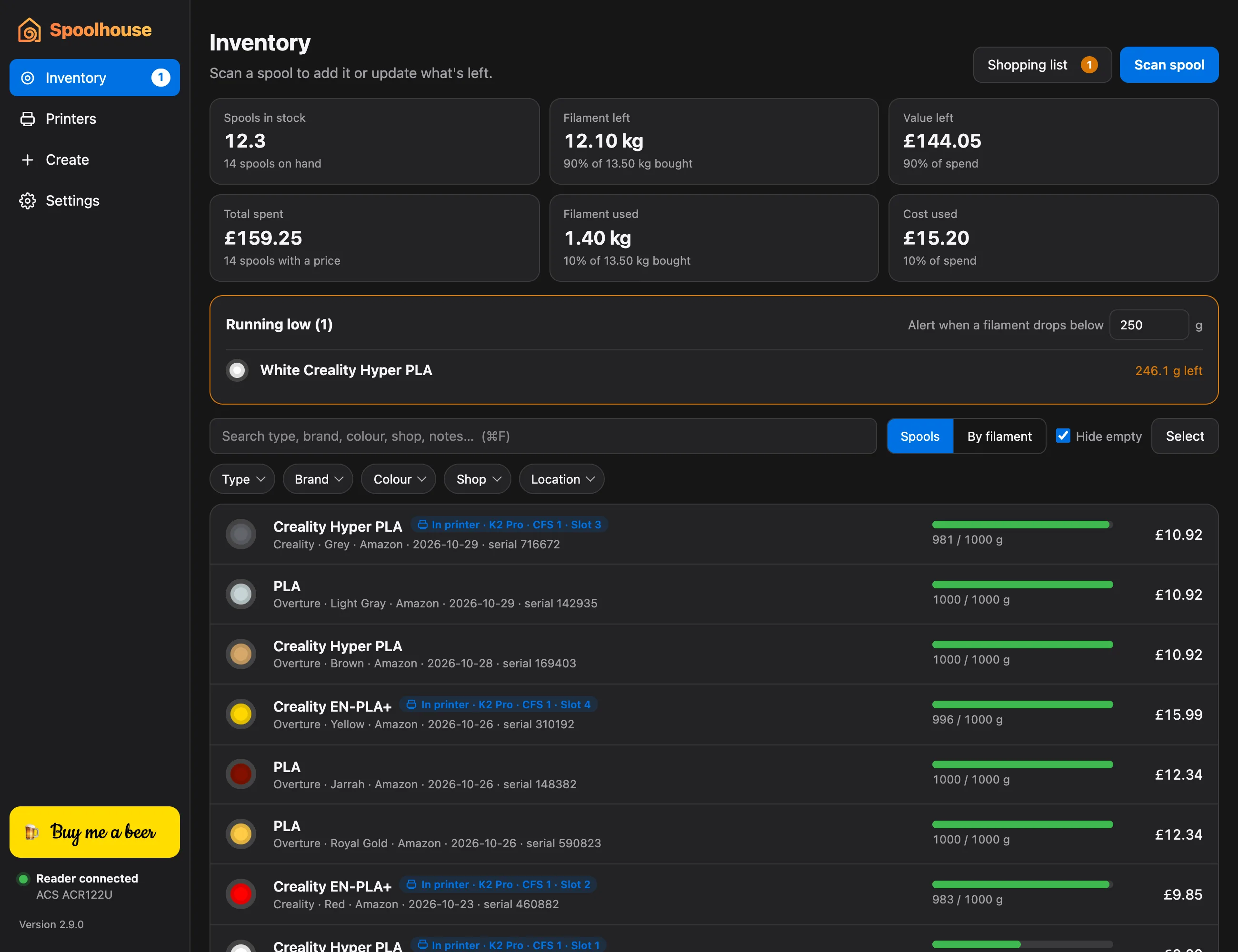 Guide 1
Install Spoolhouse
Download Spoolhouse for Mac or Windows, open it the first time, and plug in your NFC reader.
-
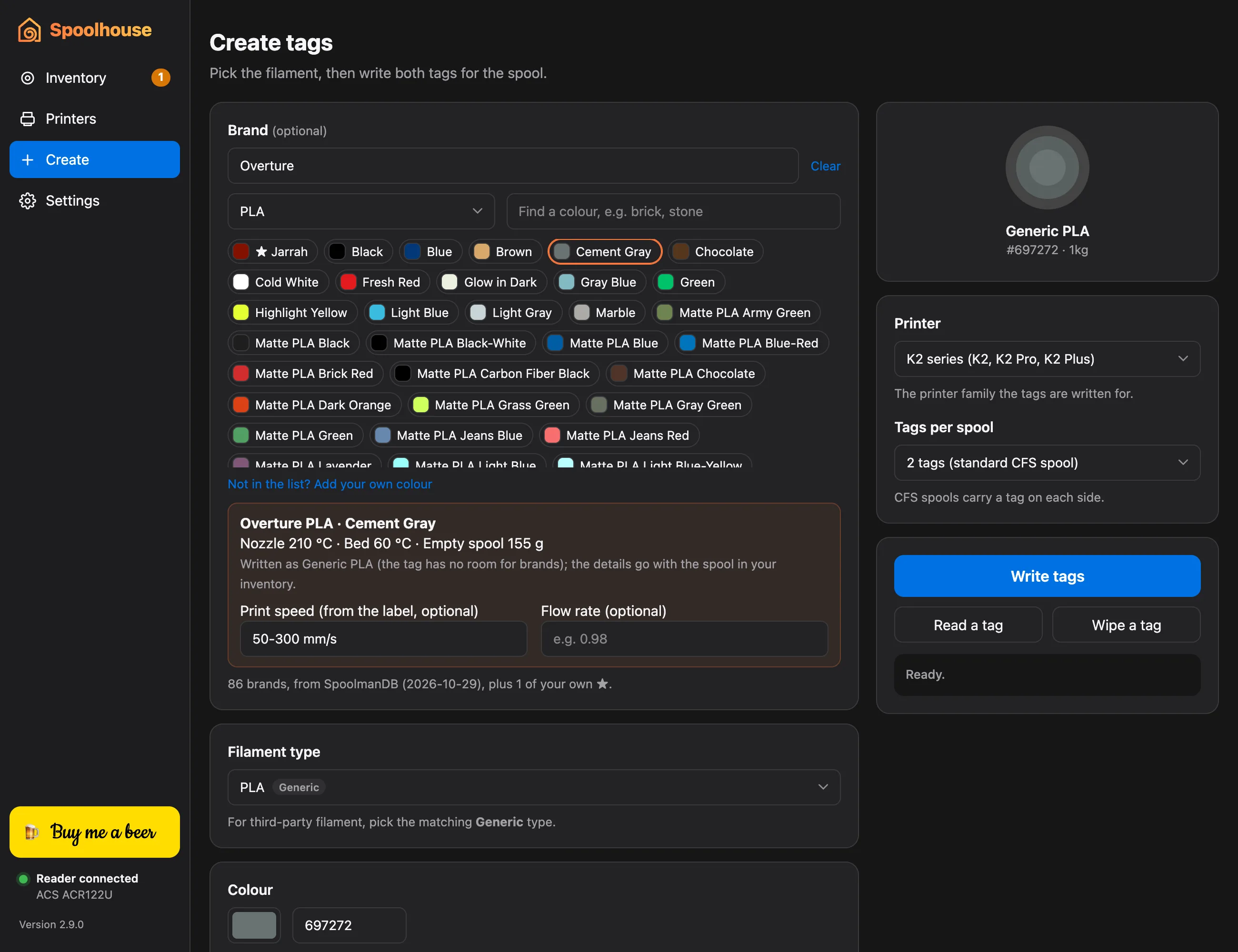 Guide 2
Write your first CFS tags
Give any spool the RFID tags a Creality CFS reads, including third-party filament, picked by brand and colour.
-
Guide 3
Add spools to your inventory
Scan a tagged spool to add it, with its price, shop and date, so you always know what you have.
-
Guide 4
Update what's left by weighing a spool
Put a spool on a kitchen scale and Spoolhouse works out how much filament is left on it.
-
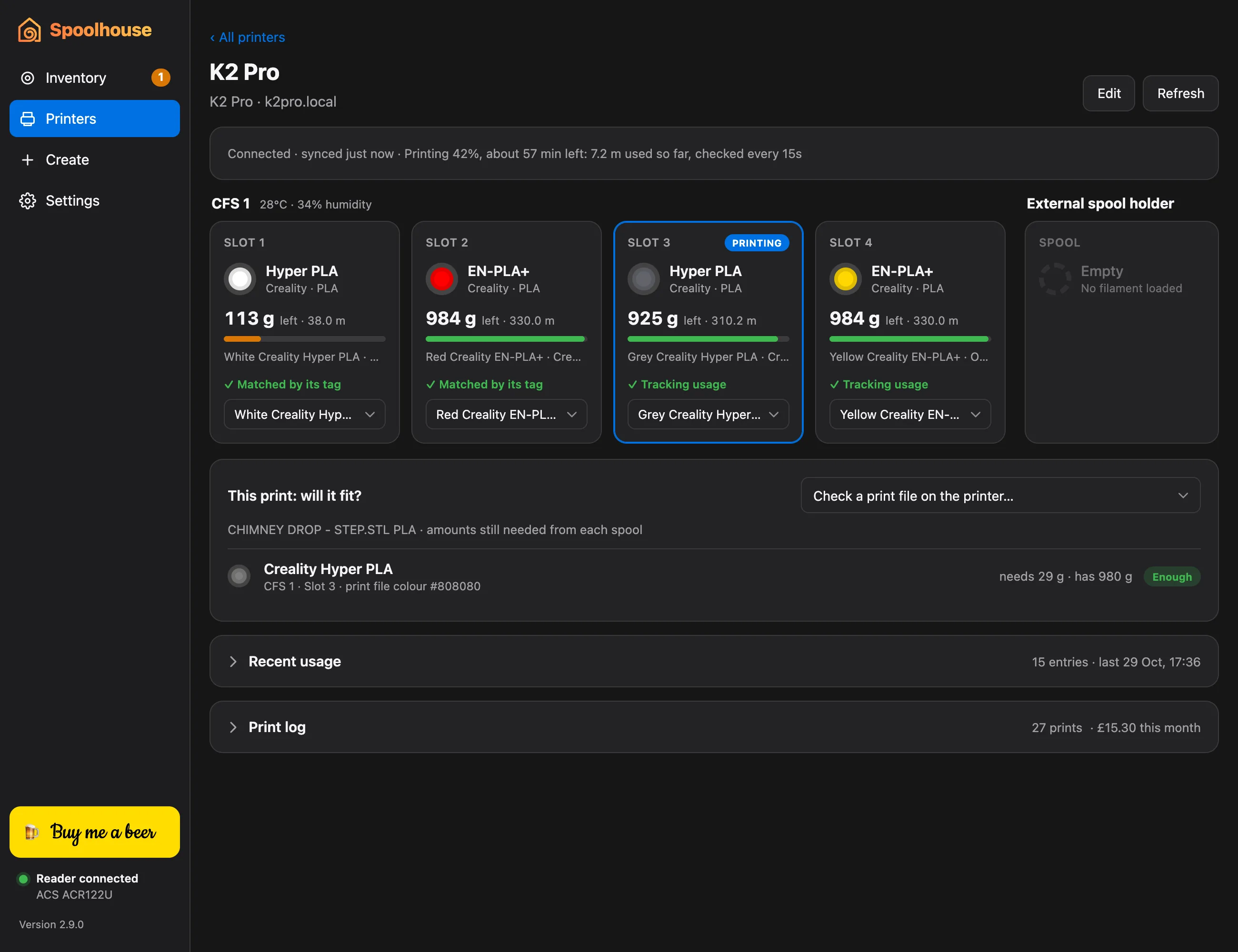 Guide 5
Connect your Creality printer
See what's in each CFS slot, live, and let every print's filament come off the right spool automatically.
-
Guide 6
Check a print will fit before you start it
Make sure every colour has enough filament left on its spool before a long print, and see how much a running print still needs.
-
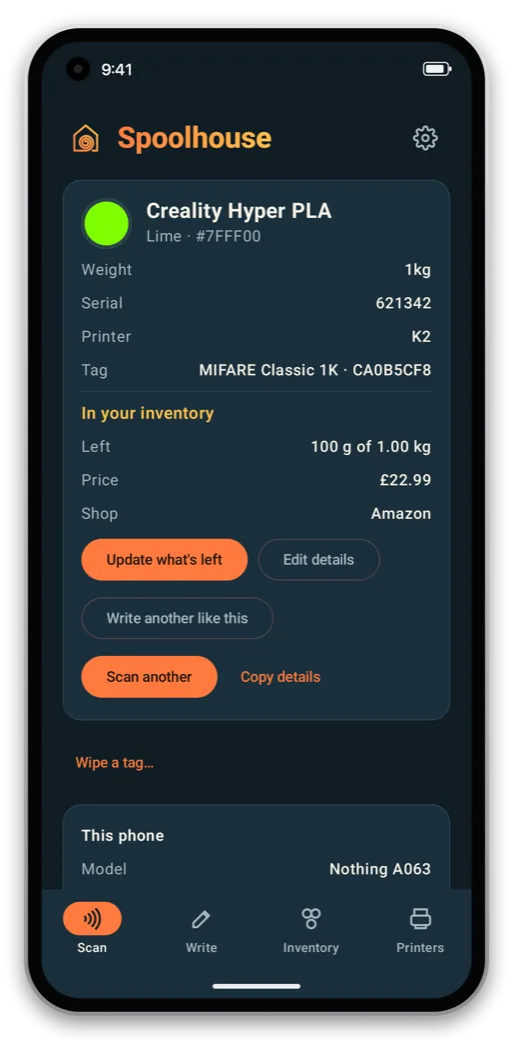 Guide 7
Use the phone app
Scan and write CFS tags with your Android phone, on its own or paired with Spoolhouse on your computer.
-
Guide 8
Back up your inventory
Keep automatic backups on a NAS or any folder, restore them on a new computer, and export to a spreadsheet.
Something not covered? See the questions, or ask in GitHub Discussions.