‹ Guides
Guide 4 of 8
Update what's left by weighing a spool
Put a spool on a kitchen scale and Spoolhouse works out how much filament is left on it.
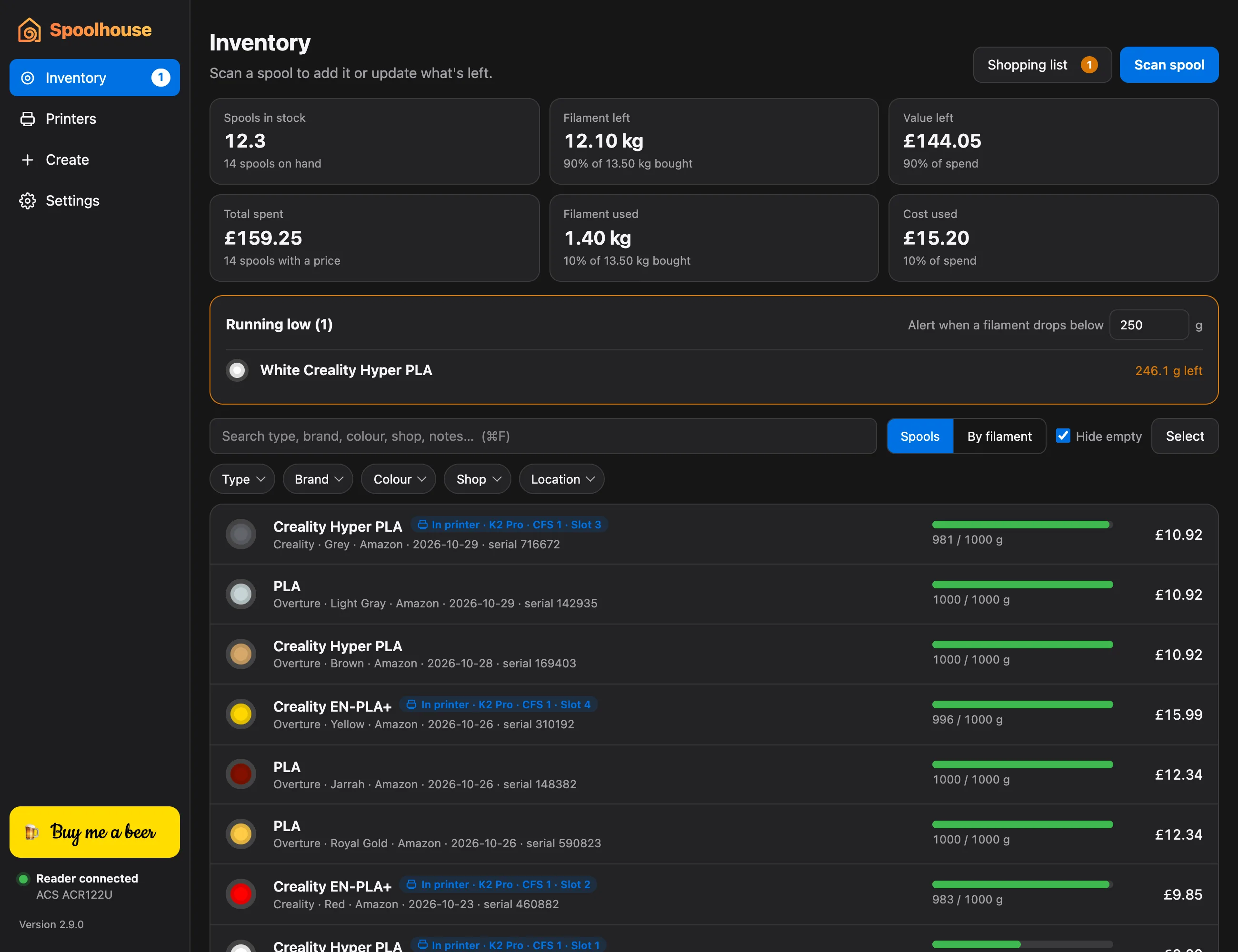
Printers only estimate how much filament they've used. Weighing a spool now and then keeps your inventory exact.
Weigh it
- Put the spool on a kitchen scale and note the reading in grams.
- In Inventory, click the spool to open it.
- Under Weigh it, type the Scale reading (g).
- Check Empty spool (g), the weight of the spool with no filament on it. Spoolhouse fills it in from the filament's brand when it knows it. Otherwise, weigh an empty spool of the same kind once, type its weight, and click Use this empty-spool weight for new spools so new spools start with it.
- Remaining updates as you type: the reading minus the empty spool. Click Save.
Quicker
No scale to hand? The Full, ¾, ½, ¼ and Empty buttons next to Remaining (g) set a rough amount in one click.
The phone app can do the same: scan the spool's tag and choose Update what's left.