‹ Guides
Guide 1 of 8
Install Spoolhouse
Download Spoolhouse for Mac or Windows, open it the first time, and plug in your NFC reader.
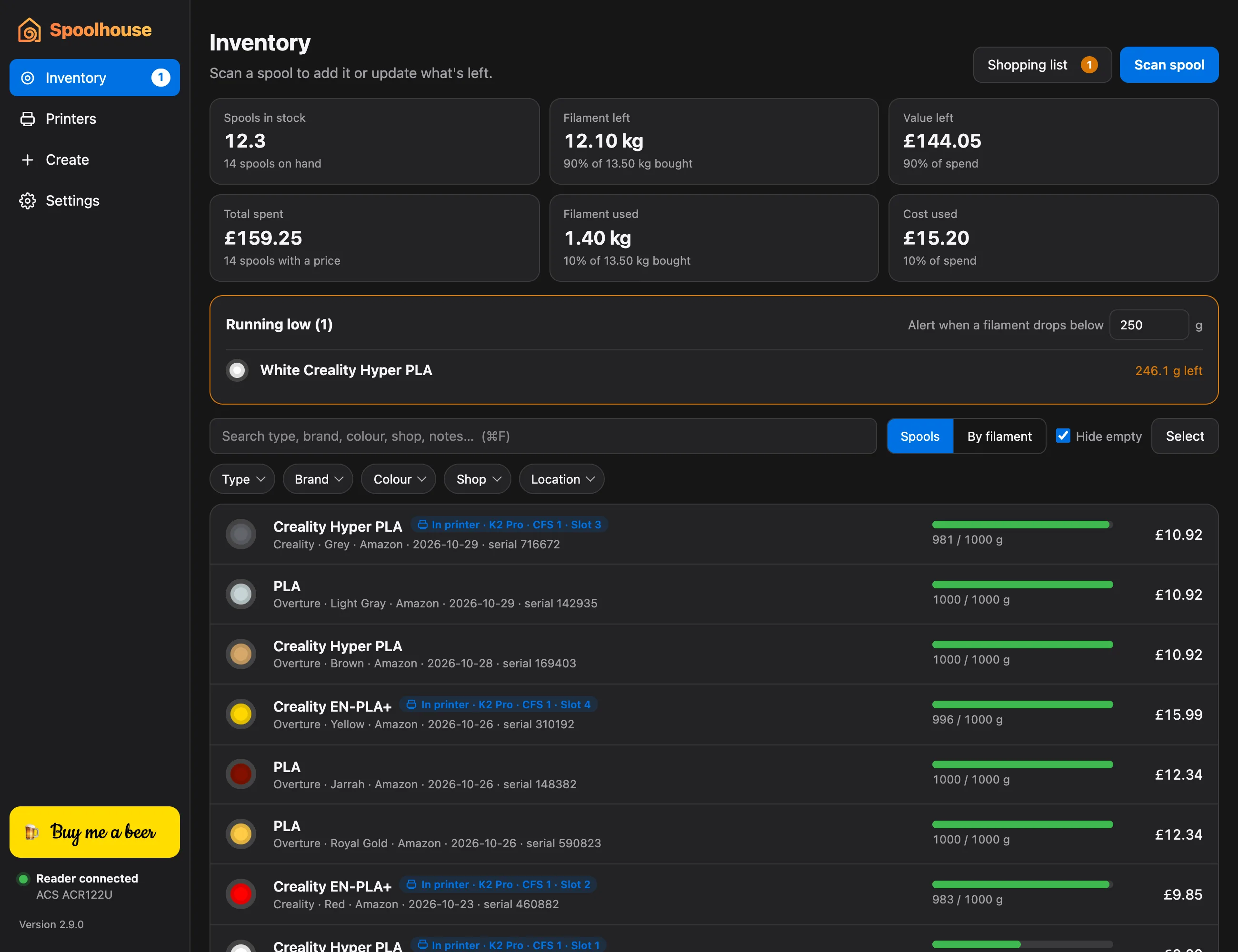
Spoolhouse is free and runs on Windows 10 and 11 (64-bit), on Apple Silicon Macs (M1 or later) with macOS 11 or newer, and on Intel Macs with macOS 10.15 or newer.
On a Mac
- Download Spoolhouse for your Mac. On a Mac, Apple menu → About This Mac shows “Chip: Apple M…” on Apple Silicon and “Processor: Intel” on Intel.
- Open the downloaded zip and drag Spoolhouse into your Applications folder.
- Open it. The first time, macOS says it can't check the app. Go to System Settings → Privacy & Security, scroll down and click Open Anyway. You only do this once.
On Windows
- Download the Windows installer and run it.
- If Windows says it protected your PC, click More info, then Run anyway. You only do this once.
- Open Spoolhouse from the last page of the installer, or from the Start menu.
Plug in your NFC reader
To write and read the RFID tags on your spools, you need a USB NFC reader for MIFARE Classic tags. Spoolhouse is tested with the ACS ACR122U.
Plug it in. The bottom of Spoolhouse's sidebar says Reader connected, with the reader's name. If it says No reader on Windows, install the ACR122U driver from ACS's website (acs.com.hk), then unplug the reader and plug it back in.
You don't need a reader to use the inventory and printer tracking, or if you write tags with the phone app.